Guides4 min read
How VibeGym Works: A Small App, Real Checks and Trade-offs
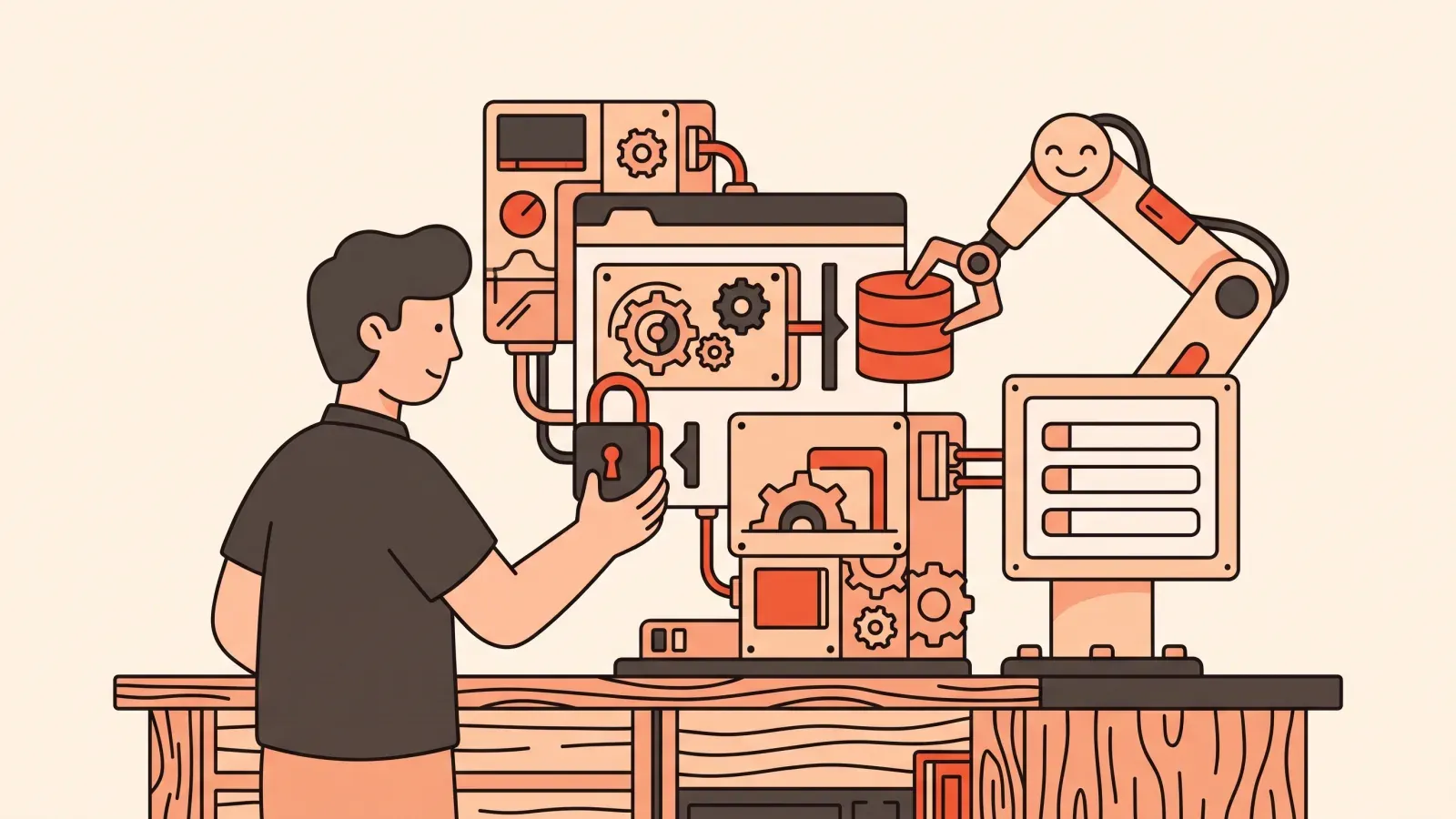
A first-party case study of VibeGym's site, learning app and newsletter: the data flow, a real failure, verification steps and reusable lessons.
Guides and honest tool talk for people building with AI — no CS degree required.
A first-party case study of VibeGym's site, learning app and newsletter: the data flow, a real failure, verification steps and reusable lessons.

Publish a reviewed version, configure current DNS values and verify HTTPS without fixed domain-price or setup-time promises.

Learn how to scope an app idea for AI: define one core job, separate must-haves from later, write plain-language user stories, and cut to an MVP. Start free.
A flexible day-by-day plan for a small AI-built app, with acceptance checks, scope limits and explicit reasons to extend the schedule.

Recognise common failure patterns through concrete scope, verification, secret and recovery checks.
A plain-English guide to the best no-code AI app builders in 2026 — honest pros, cons and a clear pick for each. Start building today.
An honest 2026 roundup of AI app builders for non-coders — Replit, Base44, Lovable, Bolt, Adalo, Manus — and the one skill that makes any of them work. Start here.
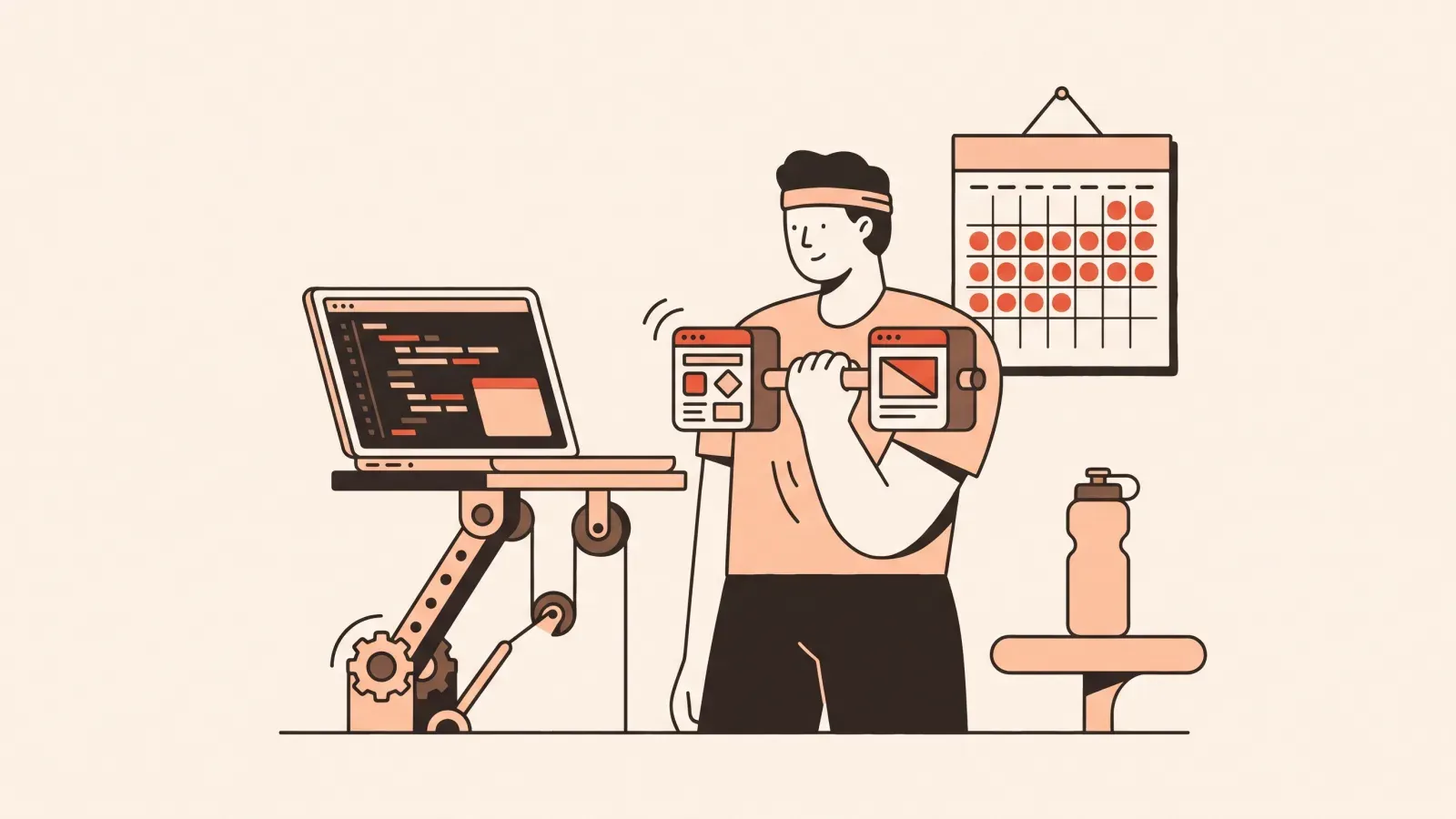
A repeatable AI-building practice routine, with clear limits on what memory research says about real project skill.

Plan your first AI-building project by skills and verifiable milestones. A realistic practice schedule with clear limits, without a guaranteed time to launch.

Can non-coders build real apps with AI? Yes, with limits. What ships today, where AI stalls, and the skills that close the gap. Start building today.
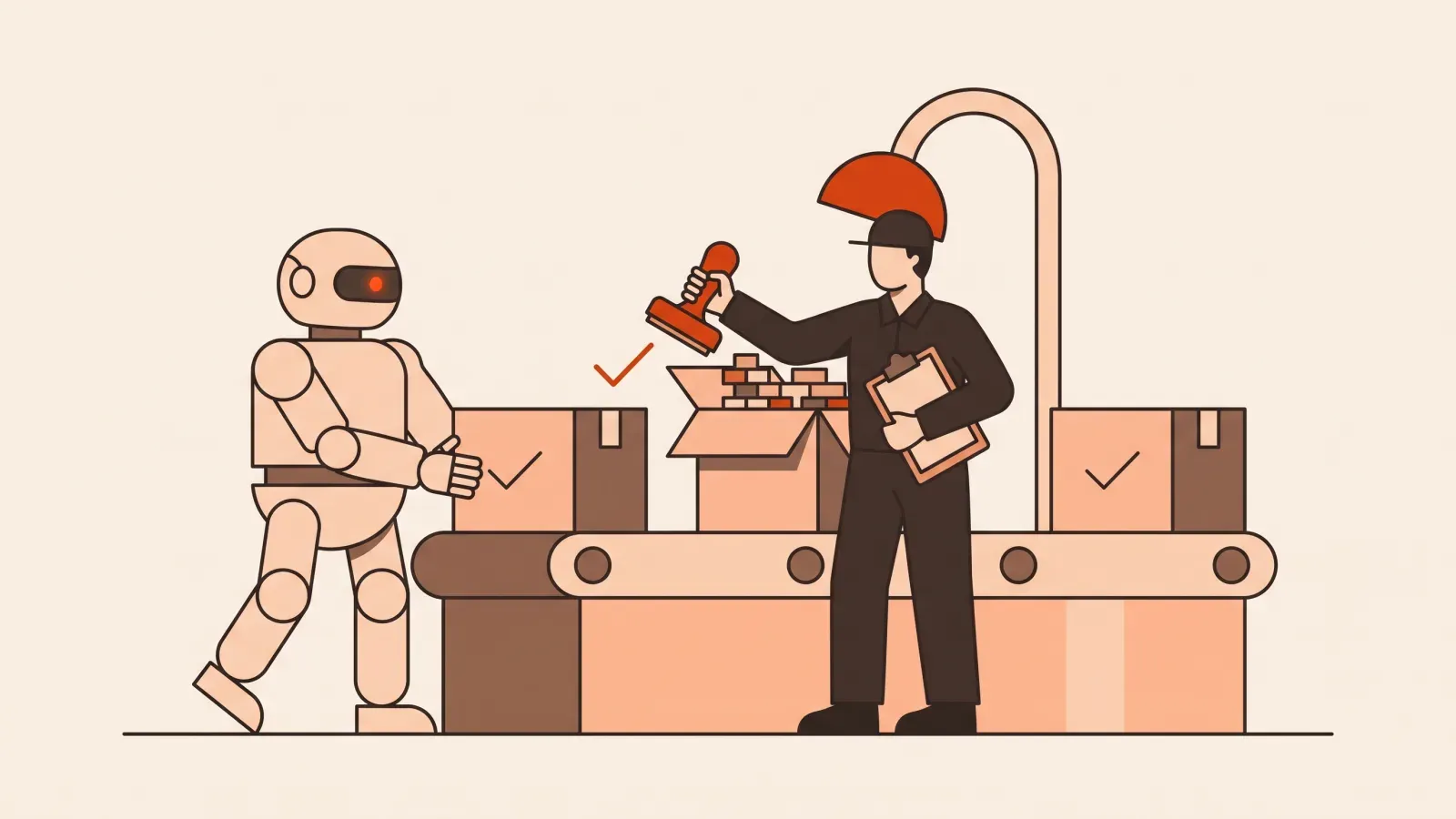
Review AI changes through requirements, affected boundaries and test evidence, with explicit limits on summaries and visual checks.
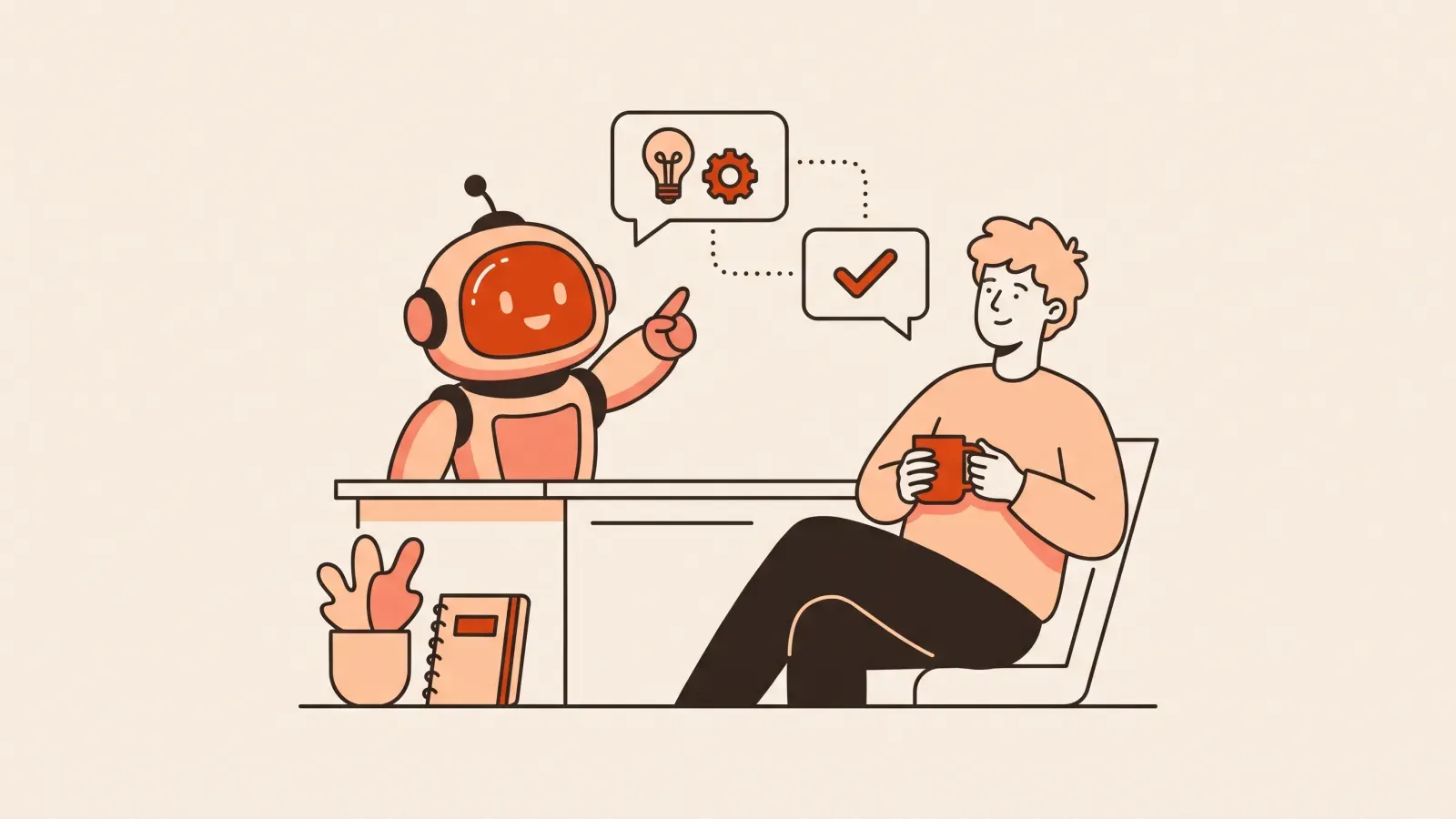
Understand Claude Code surfaces, task boundaries, review and verification before delegating project changes.
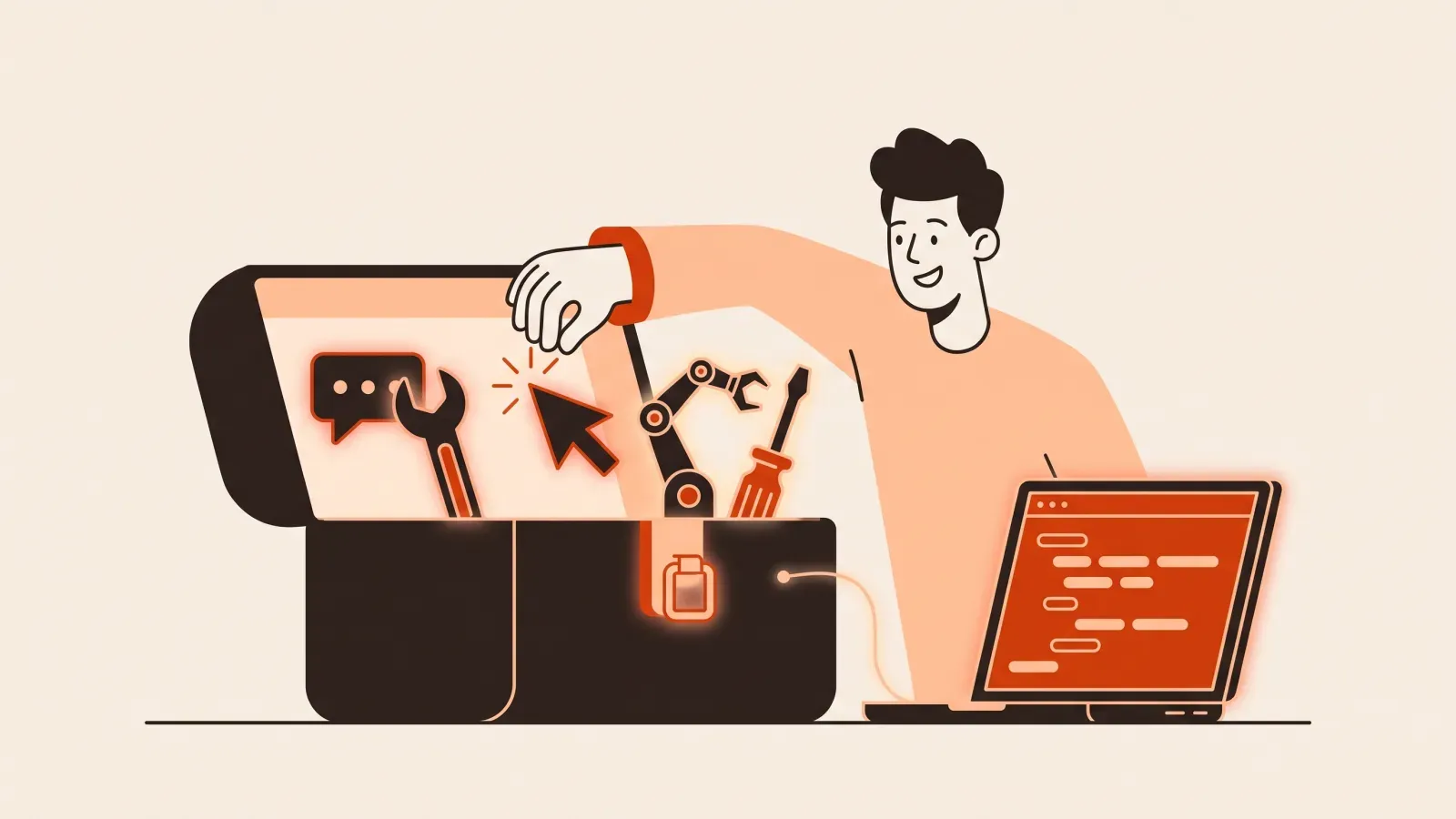
Lovable, Bolt, Cursor, Claude Code — which AI building tool should a complete beginner pick first? An honest comparison by learning curve.

Build and verify a small Lovable page, understand publishing access, and check current credit limits.
Open a project in Cursor, ask for a focused edit, review the diff and test the result. A beginner workflow with prompts and recovery checks.

Free vs paid AI coding tools, explained for beginners: what free tiers really cover, where they run out, and when paying actually pays off. Start smart.

A step-by-step path from idea to a live website using AI tools: pick a builder, write the right prompt, iterate, and publish on your own domain.

Vibe coding vs no-code explained for beginners: control, flexibility, learning curve, and when to use each. Find the right fit for your idea today.
Build a small reading-list app with AI, test local storage and failure states, then understand what accounts and a shared database would add.

A realistic week-by-week roadmap to learn to build apps with AI, even if you have never coded. Start small, build daily, and ship something real.

Vibe coding means building software by directing AI instead of typing code. What it is, what it isn't, and how to start without a tech background.

Is vibe coding a real skill? Yes, and here's the honest case: scoping, prompting, verifying and debugging are learnable. See what separates the people who ship.
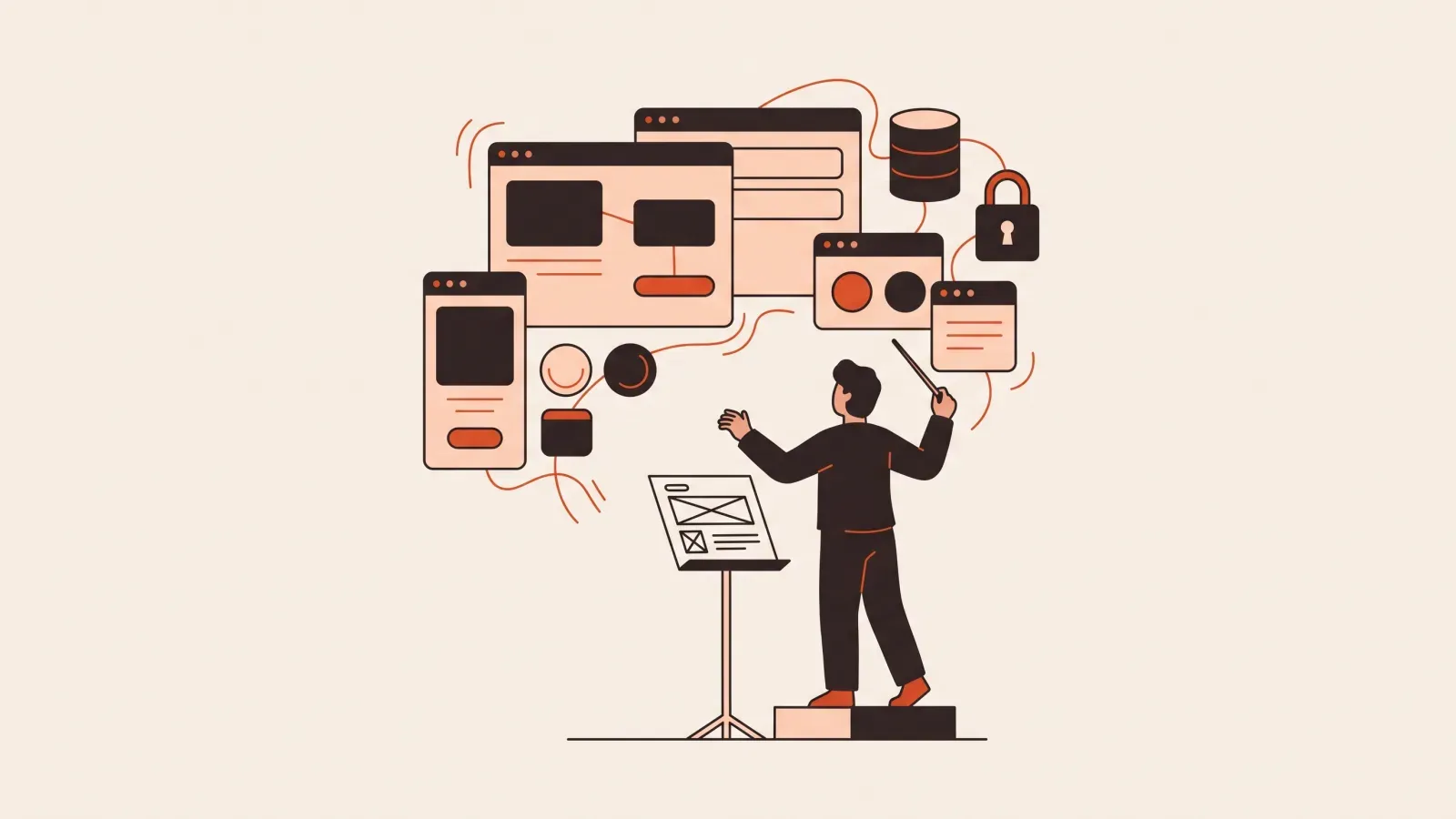
Vibe coding for non-coders, explained: the mindset shift, what you can realistically build, and the first concrete steps to take. Start building today.
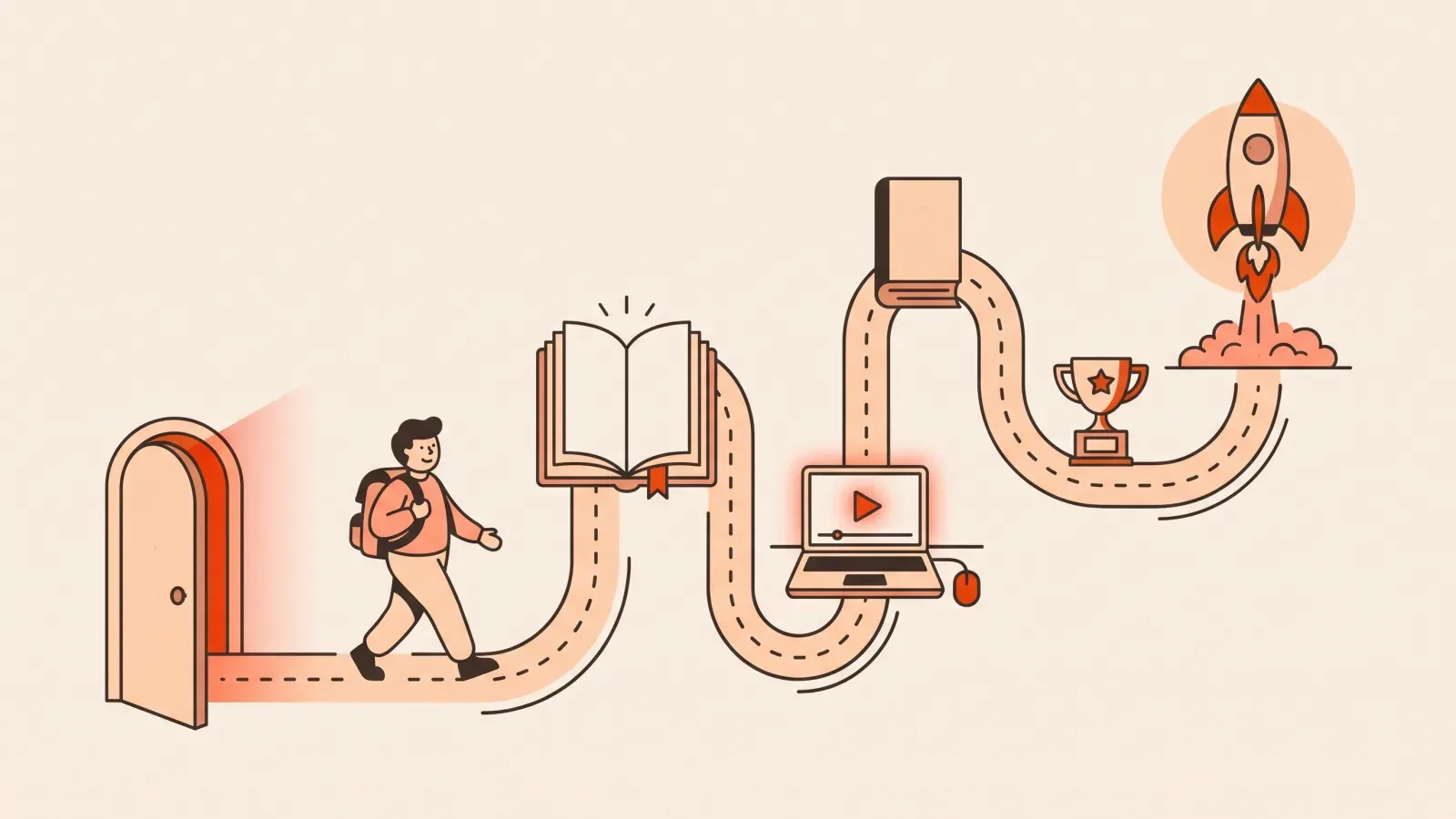
Compare six real beginner courses by syllabus, projects, access and prerequisites. Official sources, clear research limits and free options to try.

Compare Lovable, Bolt and Cursor by workflow, publishing, portability and costs. Use the same small app brief and acceptance checks to choose your first tool.

Write a bounded app request with a user, observable behaviour and acceptance examples.

Diagnose blank AI-built web apps using Console errors, failed requests and the last change. Includes a triage table, a bug-report prompt and verification steps.
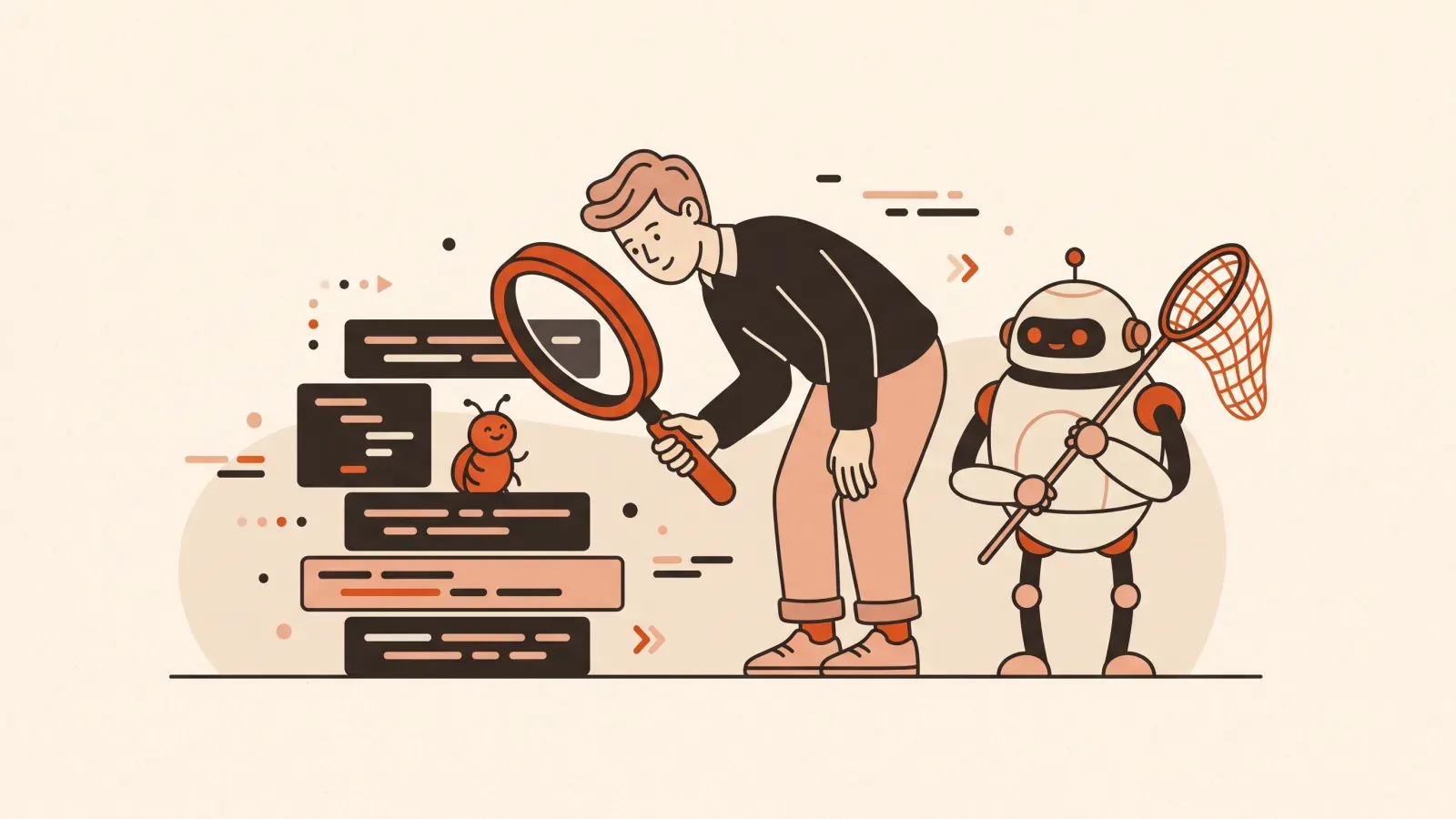
Learn how to debug AI-generated code with a calm, repeatable loop for non-coders: read the error, isolate the change, ask the AI, verify, revert. Start practicing.