How to Review Code You Didn't Write (AI Output)
How to review code you didn't write: a non-coder's toolkit to check AI code and verify AI output with behavior tests, smell tests and security checks. Start free.
By VibeGym Team ·
How to review code you didn’t write, even if you can’t read it
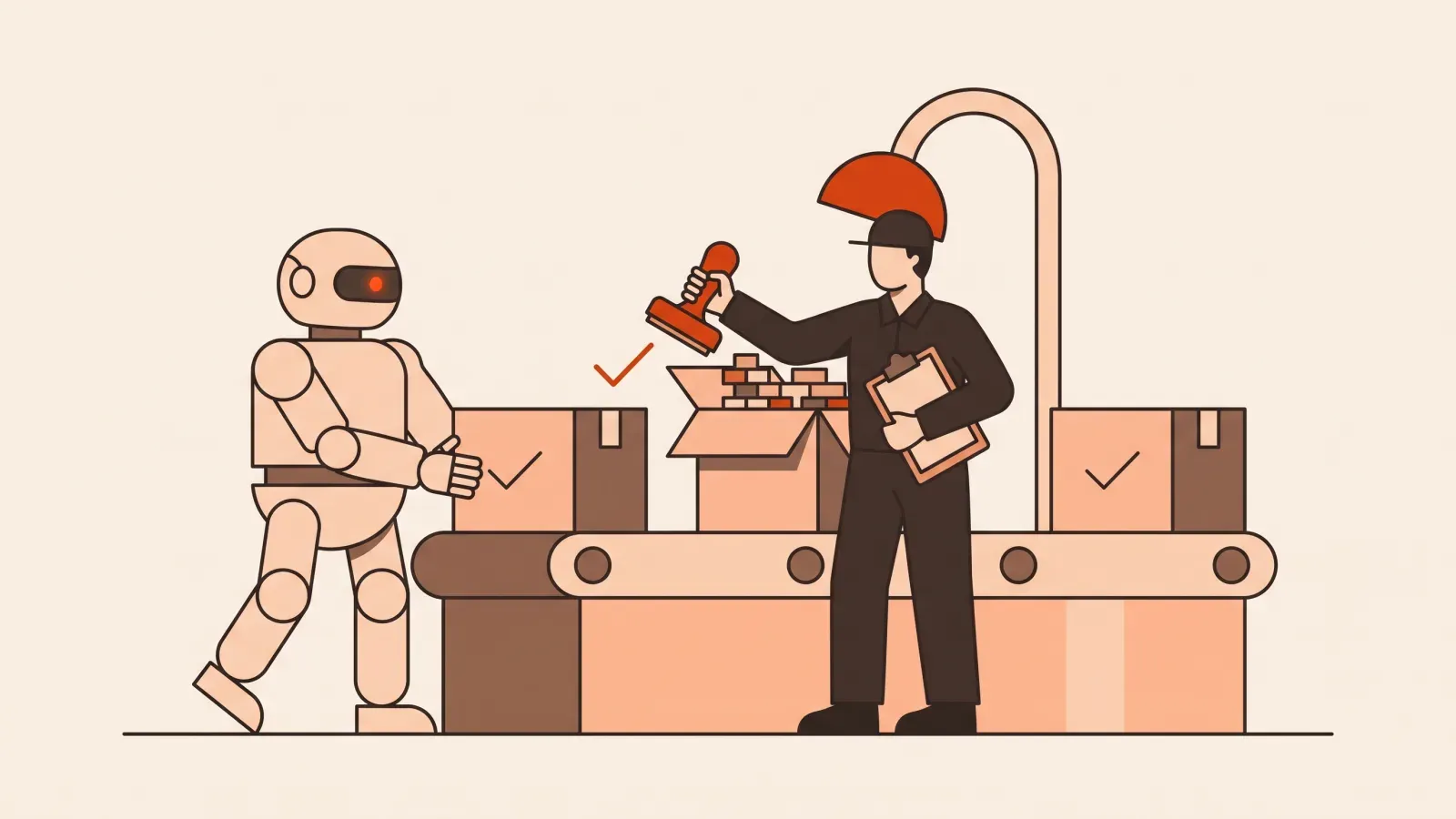
The AI just wrote 200 lines and confidently told you it works. You can’t read most of it. So how do you know whether to trust it? Learning how to review code you didn’t write is the single most useful skill for anyone building with AI, and the good news is that you do not need to understand every line to judge whether the output is good.
Professional developers review each other’s code all the time without reading every character. They have a toolkit of checks that catch most problems fast. This article hands you a beginner-friendly version of that toolkit so you can check AI code and verify AI output with confidence, not blind faith. If the idea of building with AI is still new to you, the plain-English intro to vibe coding is a good warm-up first.
Why “it looks right” is a trap
AI tools are fluent. They produce clean-looking, well-formatted code with tidy variable names and helpful comments. That polish makes everything look trustworthy, even when it is quietly broken. The output can be confidently wrong: it might handle the happy path perfectly and fall apart the moment a real person uses it in a way you did not expect.
So we flip the question. Instead of asking “can I read this code?” we ask “can I prove this thing behaves the way I want?” You judge the AI by results and behavior, not by reading every line. That reframe is the whole game.
Test 1: The behavior test (does it actually do the thing?)
This is your most powerful tool, and it requires zero coding ability. Before you accept any AI output, write down in plain English what it is supposed to do, then go check each item by hand.
Say you asked the AI to build a contact form. Your behavior checklist might be:
- When I fill in all fields and hit submit, do I see a success message?
- Does the message actually arrive where it is supposed to go?
- When I leave the email blank, does it stop me with a clear error?
- When I type a fake email like “abc”, does it reject it?
- Does it still work on my phone, not just my laptop?
Click through every item like a suspicious customer. If something does not match your list, you have found a real problem, and you found it without reading a single line of code. Keep this checklist around; it becomes your test script every time the AI changes something.
Test 2: Make the AI explain itself
You have a tireless expert sitting right there, so use it. After the AI writes something, paste the code back and ask plain questions:
- “Explain what this code does, step by step, in simple terms.”
- “Walk me through what happens when a user submits this form.”
- “What are three ways this could break or behave unexpectedly?”
- “If you were reviewing this as a senior engineer, what would you flag?”
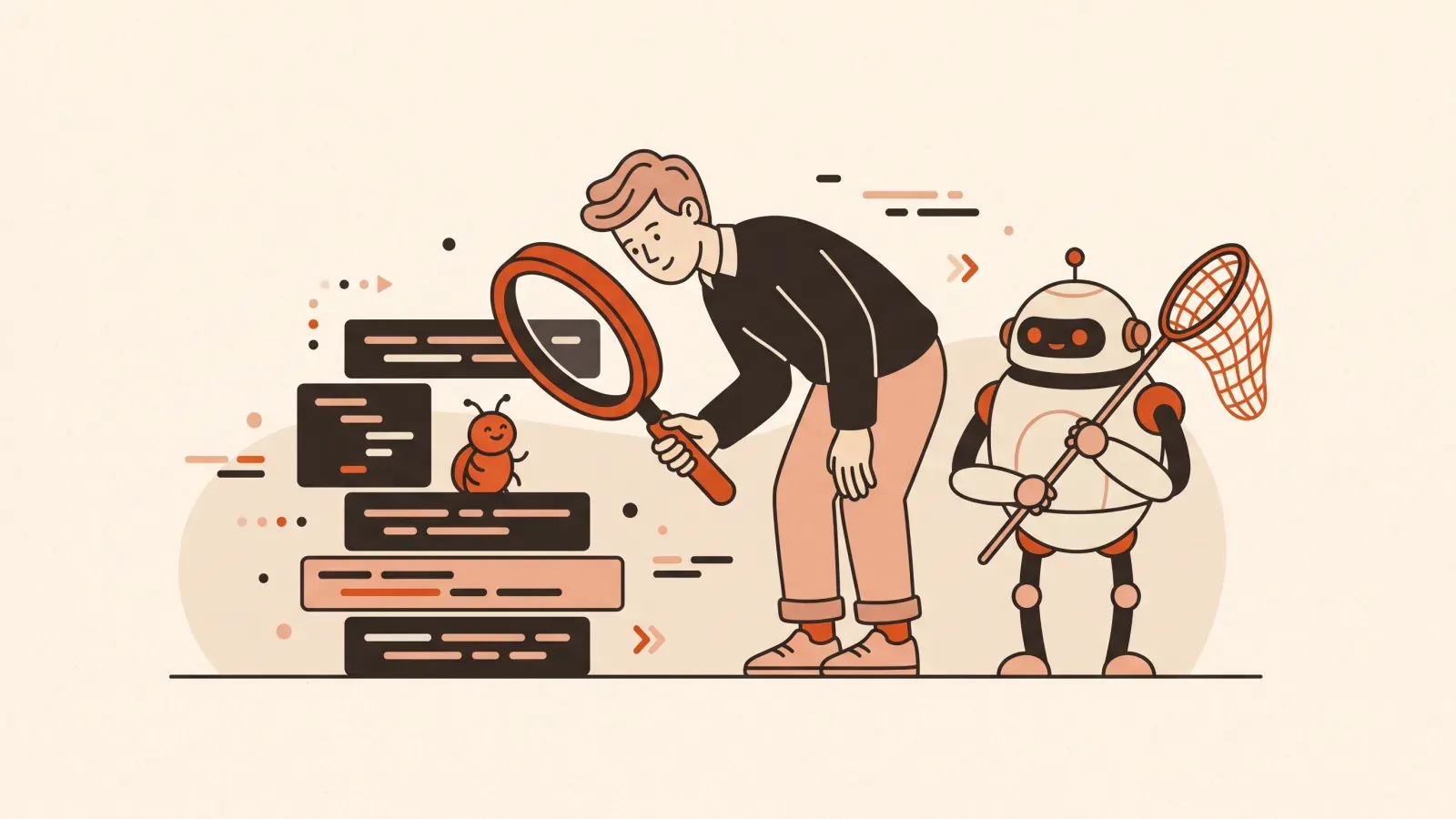
Two things happen. First, you learn what the code is supposed to do, so your behavior test gets sharper. Second, you often catch the AI contradicting itself. If its explanation does not match what you actually see when you click around, something is off. Asking “what could break here?” frequently makes the AI volunteer a bug it cheerfully introduced thirty seconds earlier.
Test 3: The smell test
A “code smell” is a sign that something might be wrong, even if it still runs. You can spot several smells without being able to read code fluently:
- Mystery values. If the AI hardcoded something specific, like a single email address or a fixed number, ask whether that should be flexible. Hardcoded values are a common source of “it worked for me but not for anyone else.”
- It changed more than you asked. You requested one small tweak and the AI rewrote half the app. That is a smell. Ask it to explain why each change was needed, or ask it to make only the change you requested.
- Repetition. If you see the same block of code copy-pasted many times, that is fragile. Future edits will have to be made in every copy, and one will get missed.
- Comments that disagree with the code. When a comment says one thing and the behavior does another, trust the behavior and get suspicious.
You are not grading style. You are noticing patterns that tend to hide bugs.
Test 4: Hunt the edge cases
The happy path is where everything goes right: correct input, fast connection, a logged-in user doing the obvious thing. Bugs live in the edges. Deliberately try to break what the AI built:
- Empty input. Submit the form with nothing filled in.
- Wrong input. Put text where a number goes, or a giant block of text in a tiny field.
- The “nothing yet” state. What does a brand-new user with zero data see? An empty list should say something friendly, not show a blank screen or an error.
- Doing it twice. Click submit twice quickly. Do you get two copies of everything?
- The unhappy disconnect. Turn off your wifi mid-action. Does it fail gracefully or freeze?
Each broken edge case is a concrete instruction you can hand back to the AI: “When the email field is empty, show the message ‘Please enter your email’ instead of doing nothing.” Specific beats vague every time.
Test 5: The security basics (the non-negotiable part)
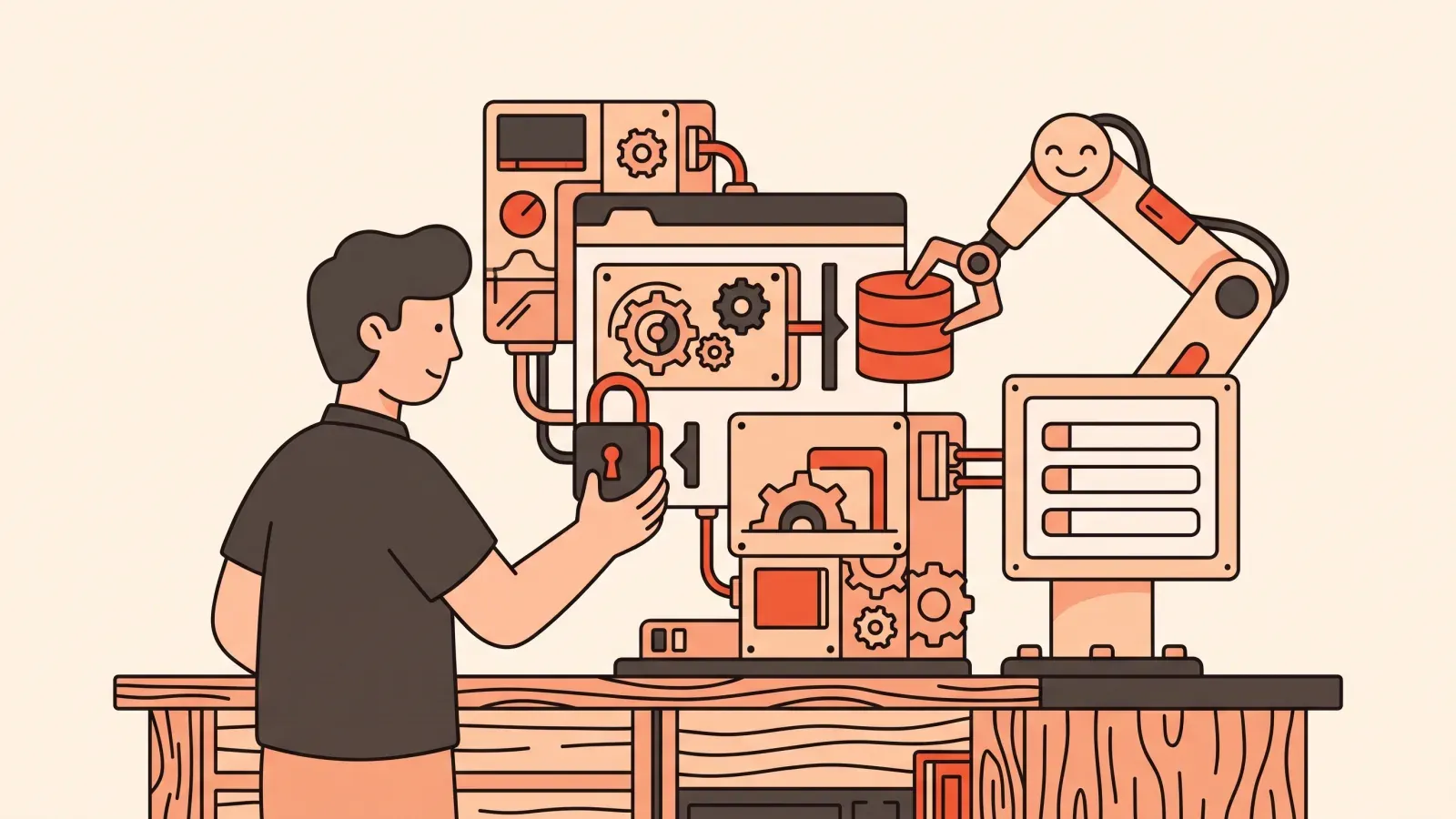
This is the part beginners skip, and it is the part that can genuinely hurt you. You do not need to be a security expert. You need to ask a few blunt questions and refuse to ship until they are answered.
- Are passwords and secrets exposed? Ask the AI directly: “Are there any passwords, API keys, or secret keys written directly in this code? If so, move them somewhere safe.” Secrets pasted into your code can leak publicly.
- Who is allowed to see what? If your app has logins, ask: “Can one logged-in user see or change another user’s data?” This is one of the most common and most damaging mistakes in AI-built apps.
- Is user input handled safely? Ask: “Does this code safely handle data that users type in, including malicious input?” You want a real answer, not a shrug.
- What happens with the database? If you have a database, ask whether anyone on the internet can read or write it directly without going through your app.
Treat any vague or hand-wavy answer as a red flag. A trustworthy response names the risk and the fix. Security is exactly the kind of thing that feels invisible until it is a disaster, which is why it is worth practicing deliberately rather than hoping for the best.
Putting it together: a 10-minute review routine
You do not run all five tests on everything. Here is a realistic flow for a normal change:
- Run your behavior checklist (Test 1). Most issues surface here.
- Try three edge cases (Test 4): empty, wrong, and twice.
- If anything looks off, make the AI explain itself (Test 2).
- Before going live to real users, run the security questions (Test 5) once, carefully.
When something fails, you do not need to fix it yourself. You describe the wrong behavior clearly and let the AI fix it, then re-run the same checks. That calm, repeatable loop is the heart of debugging AI-generated code, and it gets faster every time you do it.
Key takeaways
- You review by behavior, not by reading every line. Prove it works; do not assume.
- Your plain-English checklist is your most powerful tool, and it needs no coding skill.
- Edge cases and security questions catch the problems that “looks right” misses.
- When a check fails, describe the problem clearly and let the AI fix it, then test again.
FAQ
Do I really need to do this if the app seems to work? Yes. “Seems to work” usually means “works on the happy path on my device.” Real users will find the edges you did not, and so will anyone poking at your security. Five minutes of checking saves you from a public mess.
What if I do not understand the AI’s explanation? Ask it to explain again “like I am completely new to this,” or to use an everyday analogy. If it still cannot explain a piece simply, that is a signal the code may be more complicated than your task needs. Practicing this judgment is exactly what VibeGym’s Debugging and Security modules build, through short daily drills rather than long tutorials.
Reviewing AI output is a learnable instinct, not a talent you are born with. VibeGym trains it the way Duolingo trains a language, in bite-sized daily reps, so verifying and securing what you build becomes second nature. If you are just getting oriented, our guide to vibe coding for non-coders is a friendly next step.
#debugging#security#verifying ai#beginners