Claude Code for Non-Developers: A Plain-English Intro
Claude Code for non-developers, explained simply: what it is, how you actually use it in plain language, and where it fits vs browser builders. Start here.
By VibeGym Team ·
What Claude Code is, for non-developers
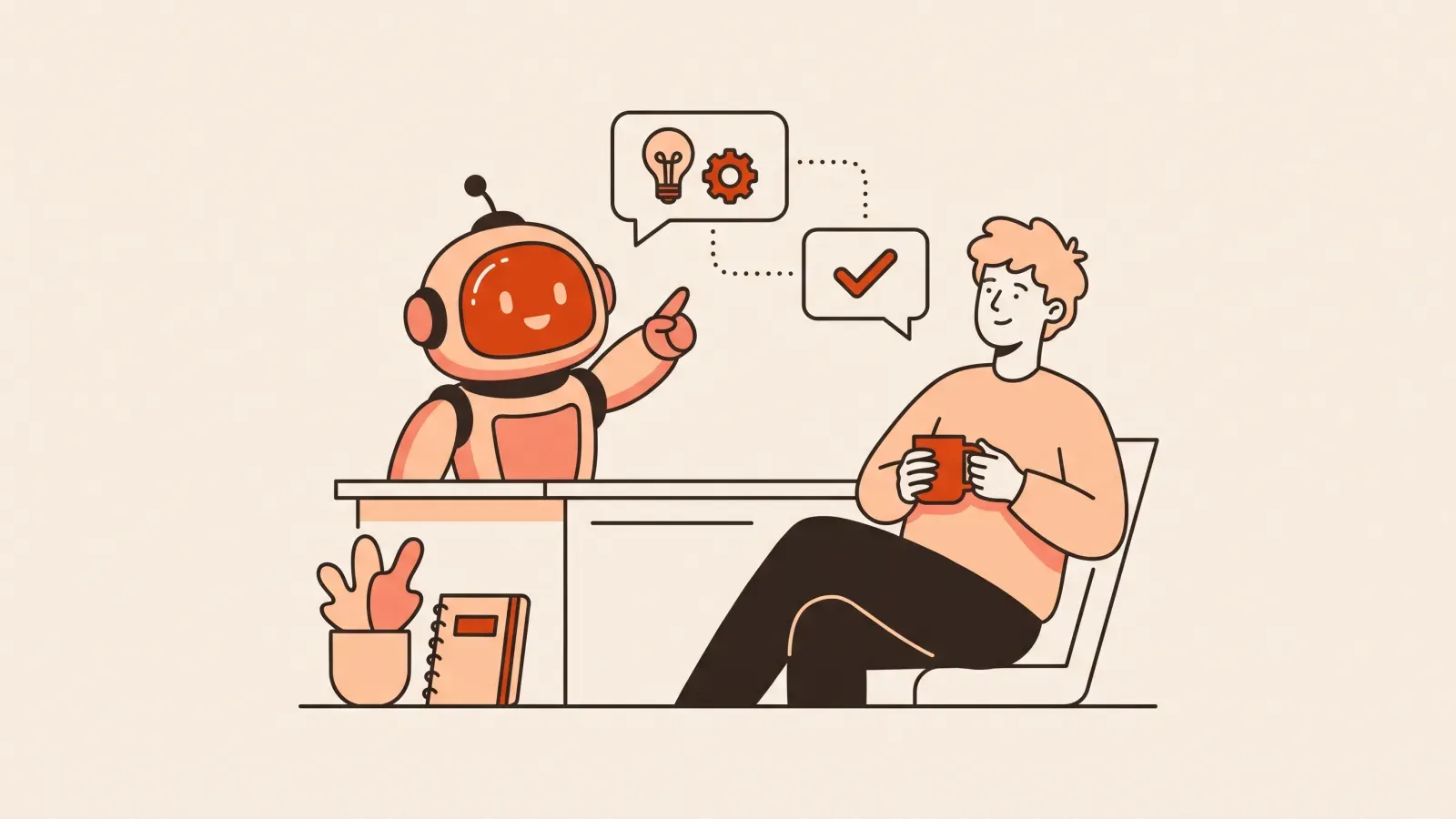
Claude Code for non-developers is easier to understand than the name suggests. Claude Code is an AI coding assistant: you tell it, in plain English, what you want built or changed, and it writes and edits the actual files for your project. You stay in charge — describing the goal, reading back what it did, and deciding what happens next. You are the director; Claude does the typing.
If “AI coding assistant” already sounds intimidating, take a breath. You will not be staring at a wall of green text typing secret commands. You will be having a conversation. The big shift is this: instead of learning a programming language, you learn how to ask clearly and how to check the result. That is a skill anyone can pick up, and it is the heart of building real software by directing AI rather than memorizing syntax.
How a non-developer actually uses it
Here is the honest, unglamorous version of how it works day to day. There is no trick to it.
- You describe a task in plain language. Something like: “Add a contact form to the home page that emails me when someone submits it.” You do not need to know what a function or a variable is to write that sentence.
- Claude proposes a plan and makes changes. It tells you which files it will touch and why, then edits them. You can read its explanation even if you cannot read every line of code.
- You look at the result. You run the app or open the page and see whether the form actually shows up and works.
- You give feedback. “The button is too small” or “It didn’t send the email.” Claude adjusts.
- You repeat in small steps until the piece works, then move to the next piece.
That loop — describe, review, adjust — is the whole job. Notice that none of it requires you to write code from scratch. It requires you to be clear about what you want and observant about what you got.
Talking to it in plain language
The quality of what you get back depends heavily on how you ask. Vague requests produce vague, sometimes broken results. Specific requests produce useful ones. Compare these two:
- Vague: “Make a website for my bakery.”
- Clear: “Make a one-page website for a bakery called Rise. It needs a hero section with the name and tagline, a menu list with six items and prices, an address, and a button that opens Google Maps.”
The second one gives Claude something concrete to build. You do not need fancy words — you need detail. If you want to get good at this fast, our guide on writing prompts that build apps breaks down the pattern: say what you want, who it is for, and what “done” looks like.
Reviewing what it does (without reading code)
This is the part beginners worry about most, and it is more manageable than you think. You do not have to understand every line to judge whether the work is good. You can:
- Look at the outcome. Does the page load? Does the button do what it should? Does the form actually send?
- Read Claude’s plain-English summary. Before and after a change, it explains what it is doing in normal words. Watch for anything that sounds wrong, like “I deleted the login page” when you only asked to change a color.
- Ask it to explain itself. You are allowed to say “Why did you change that file?” or “Explain what this does like I’m five.” It will.
Reviewing output you cannot fully read is its own learnable skill, and we wrote a whole walkthrough on how to review AI code you didn’t write so you are not flying blind.
Working in small steps
The single biggest mistake new builders make is asking for everything at once: “Build me a full booking app with payments, accounts, email reminders, and an admin dashboard.” Claude will attempt it, but when something breaks — and something always breaks — you will have no idea which of the ten things caused it.
Small steps fix this. Build the booking form first. Confirm it works. Then add the confirmation email. Confirm that works. Then add accounts. Each step is small enough that if it breaks, you know exactly where to look. This is calmer, faster, and far less frustrating. When something does go wrong, our calm guide to debugging AI-generated code shows you how to walk it back instead of panicking.
Where Claude Code fits vs browser builders
You may have heard of tools like Lovable or Bolt — “browser builders” where you type a prompt and watch an app appear in a live preview, all inside a web page. These are wonderful, especially when you are starting out, and there is no shame in beginning there. So how does Claude Code compare?
Think of it as a spectrum of control, not better versus worse:
- Browser builders (Lovable, Bolt and similar) are the most beginner-friendly. Everything happens in one tab, you see a live preview instantly, and you do not touch files directly. Great for landing pages, simple sites, and first projects.
- Claude Code works directly with your project’s real files on your computer or in an editor. It gives you more control and handles bigger, messier projects more gracefully, but it asks for a little more comfort with the idea of “files” and “running the app.”
Neither is the “real” way while the other is a toy. They are different seats in the same car. Many people start in a browser builder, then reach for Claude Code as their projects grow. If you want a fuller side-by-side, see our honest comparison of beginner-friendly AI tools. The reassuring truth: the skills transfer. Learning to scope, prompt, and review in one tool makes you better in all of them.
What you can realistically build
With Claude Code and a willingness to work in small steps, non-developers genuinely ship real things:
- Personal and small-business websites.
- Web apps with forms, logins, and a database behind them.
- Internal tools that automate a tedious task you do every week.
These are not sandbox demos that vanish when you close the tab. They can be deployed and shared with a real link. The limiting factor is rarely the AI — it is how clearly you can describe what you want and how patiently you check the results.
Key takeaways
- Claude Code is an AI coding assistant: you describe tasks in plain English, it writes and edits the code, and you stay in control.
- The core loop is describe, review, adjust — repeated in small steps.
- You do not need to read every line. Judge the outcome, read the plain-English summaries, and ask it to explain.
- Browser builders are the easiest on-ramp; Claude Code gives more control for bigger projects. The underlying skills transfer between them.
A few common questions
Do I need to install anything complicated? Less than you fear. Setup is a one-time hurdle, and most beginners get through it by following step-by-step instructions. After that, you are mostly talking and reviewing.
What if it makes a mistake? It will, sometimes. That is normal and fixable. Working in small steps means mistakes are small and easy to trace. You ask Claude to undo or correct, and you move on.
Where should a total beginner actually start? Honestly, with reps, not more reading. The hard part of all this — scoping an idea, writing a prompt that can’t be misread, verifying the result, and debugging calmly — is exactly the muscle that VibeGym trains, in short daily drills of five to fifteen minutes. Think Duolingo, but for building apps: a structured path that turns “I read about Claude Code once” into “I can actually use it.” Tutorials show you someone else building. The instincts only stick when you build, in small daily reps, until reviewing AI output and steering it feels natural.
You do not need to become a programmer to use Claude Code well. You need to become a clear describer and a careful checker — and both of those are things you can practice starting today.
#claude code#ai coding assistant#beginners#vibe coding