Skip to content
Tools 7 min read

Free vs Paid AI Coding Tools: What Beginners Need

Free vs paid AI coding tools, explained for beginners: what free tiers really cover, where they run out, and when paying actually pays off. Start smart.

By VibeGym Team ·

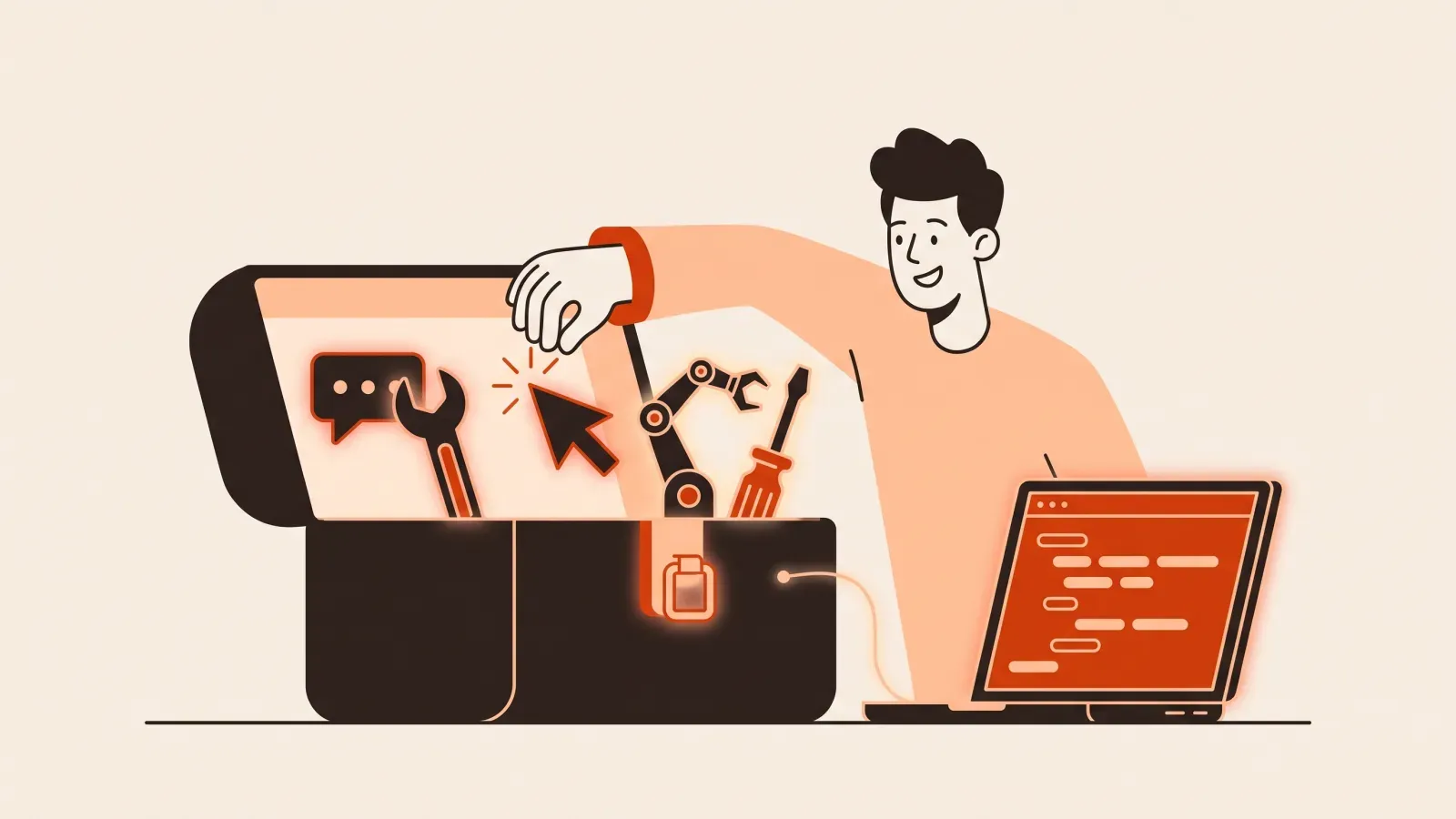
Illustration of a person weighing an open box of tools against a treasure chest with a gem on a balance scale

Free vs Paid AI Coding Tools: What You Actually Need

If you are a complete beginner, the good news is simple: you can build real things with AI without spending a cent on day one. The harder question is the one this guide answers, free vs paid AI coding tools, and where the free version stops being enough. You do not have to guess. Once you know the three places free tiers tend to run out, you can decide exactly when, and whether, to open your wallet.

Spoiler: most people should start free, build something real, and only pay once a specific limit is blocking a specific goal. Let’s make that concrete.

What “free” actually buys a beginner

When people say “AI coding tools,” they usually mean one of two things:

  • AI app builders (like Lovable and Bolt): you describe an app in plain English in your browser, and it appears. No installation.
  • AI code editors (like Cursor) and AI assistants (like Claude): more powerful, slightly more setup, more control as projects grow.

Most of these have a genuinely useful free tier. On a free plan, a beginner can realistically:

  • Build a personal website, a portfolio, or a simple landing page.
  • Make a small interactive tool, like a calculator, a quiz, or a price estimator.
  • Practice the actual skill of describing what you want and seeing it built.
  • Learn how AI builds things, including how to fix it when it breaks.

That last point matters more than it sounds. The free tier is not a crippled demo. It is a real workshop. For a first project, free is usually plenty, and our step-by-step first website guide is built to be done entirely on free tools.

Where free runs out (the three walls)

Free tiers do not “expire” so much as you bump into a wall. There are three common ones. Knowing them in advance means you will never be surprised by a paywall mid-project.

Wall 1: Usage limits

AI costs the company money every time it thinks for you, so free plans cap how much you can ask. You might get a set number of messages per day, a monthly credit allowance, or slower responses once you pass a threshold.

For a beginner doing one project, this is rarely a problem. You hit it when you start building daily, iterating fast, or working on something bigger than an afternoon. A clear sign: you are mid-flow, making real progress, and the tool says “come back tomorrow” or “you are out of credits.” That is the tool telling you that you have outgrown free, in a good way.

Wall 2: Deploying and hosting

Building an app and putting it online for other people to use are two different things. “Deploy” just means publishing your project to a live web address so anyone can open it.

Many tools let you build for free but limit the live, shareable version: you might get a temporary link, a builder-branded URL, or a cap on how long the project stays online. Putting your app on your own custom domain (like yourname.com) often sits behind a paid tier, either on the builder or on a separate hosting service. If your goal is a hobby experiment, the free link is fine. If you want to send a real address to a real customer, this is a common reason to pay. We walk through that whole process in going live on your own domain.

Wall 3: Private projects and saved work

On some free tiers, your projects are public by default, meaning anyone with the link can see them, and sometimes copy them. Private projects, more saved projects, and team features are typical paid upgrades.

For learning, public is usually fine. For a client’s unfinished work, an idea you do not want copied, or anything with real user data, privacy is worth paying for.

When paying is actually worth it

Here is the money-conscious rule: pay when a limit is blocking a goal you can name out loud. Not before. “I might need it” is not a goal. “I need my app on mysite.com by Friday for a client” is.

Pay when:

  • You are building most days and constantly hitting usage caps. Your time is now worth more than the subscription.
  • You need a custom domain or reliable hosting for something real, not a demo.
  • You need private projects because the work is sensitive or commercial.
  • A specific feature you need (a database, logins, file storage) is paid-only on your tool, and you have a concrete project that requires it.

Do not pay when:

  • You are still on your first or second project. Free will teach you everything you need right now.
  • You are subscribing “to be serious about it.” Motivation does not come from a receipt.
  • You are paying for several tools at once before finishing one project on any of them.

A practical tip on cost: most of these tools bill monthly and let you cancel anytime. So the smart move is to stay free until you hit a wall, then pay for a single month to push your project across the finish line, and cancel if you do not need it next month. You are renting capability for a goal, not buying an identity.

A simple decision path

Use this order and you will almost never overspend:

  1. Start 100% free. Pick one tool and one small project. If you are not sure which tool, our honest tools comparison for beginners sorts them by learning curve.
  2. Build until you hit a wall. Usage, deploy, or privacy. Notice which one.
  3. Ask: is a real goal blocked? If no, keep going free. If yes, name the goal.
  4. Pay for one month to clear that exact wall. Ship the thing.
  5. Reassess. Keep paying only if you are still using it next month.

This works because the bottleneck for beginners is almost never the tool’s price. It is knowing what to build, how to describe it, and how to fix it when the AI gets it wrong. A more expensive plan does none of that for you.

The cost most people forget

When you compare AI coding tool cost, you tend to look at the monthly fee. But there is a second, larger cost: the hours you lose when you do not know what you are doing. You can have the best paid plan in the world and still stall, because the hard part of building with AI was never typing code. It is scoping the idea, prompting clearly, checking the result, and debugging when it breaks.

That skill is free to start practicing and it pays back on every tool you will ever touch, free or paid. If you want a structured way to build it, that is exactly what VibeGym does. It is a learn-by-doing platform, think Duolingo but for building apps, with short daily drills of about five to fifteen minutes. There is a free plan with the first modules and daily drills forever, so you can practice prompting, debugging, and scoping without paying. Paid unlocks the full curriculum, unlimited AI practice, and project reviews when you are ready, with a 14-day money-back guarantee on your first payment and one-click cancel. The skills transfer across Claude, Cursor, Lovable, and Bolt, so you are never locked into one tool’s bill.

If you are still deciding whether any of this is for you, start with the plain-English overview of what vibe coding is and try one tiny project before you think about upgrading anything.

Key takeaways

  • A complete beginner can build a real website or simple app on free tiers alone.
  • Free runs out at three predictable walls: usage limits, deploying or custom domains, and private projects.
  • Pay only when a limit blocks a goal you can state plainly, then consider a single month rather than an open-ended subscription.
  • The real cost is wasted time, not the fee. Learning to scope, prompt, and debug is what makes any tool, free or paid, worth it.

Mini FAQ

Can I really build something useful without paying? Yes. A personal site, a portfolio, or a small interactive tool is all doable on free tiers. You typically pay later for a custom domain, heavier daily usage, or private projects.

Free vs paid AI coding tools, which should a beginner start with? Start free, every time. Pick one tool, finish one small project, and let the walls you hit tell you what, if anything, is worth paying for.

#ai tools#free vs paid#beginners#budget#app builders