9 Vibe Coding Mistakes Beginners Make (and Quick Fixes)
The vibe coding mistakes beginners make most, with a fast fix for each — vague prompts, no verification, giant leaps, skipping security. Avoid them and start strong.
By VibeGym Team ·
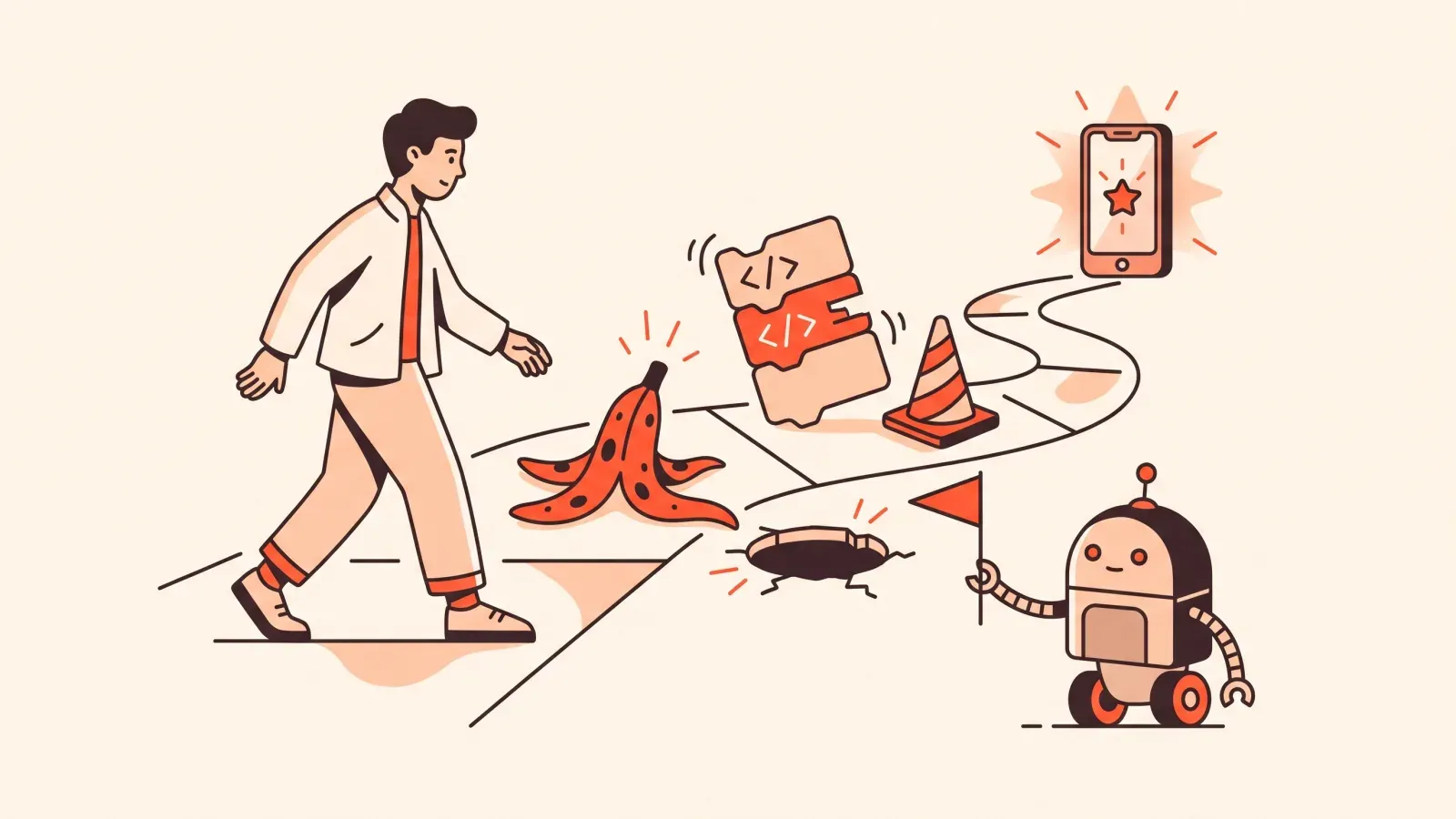
The vibe coding mistakes beginners make most
Vibe coding means building real software by directing an AI in plain language instead of typing code yourself. It is a genuine skill, and like any skill there are a handful of predictable potholes everyone hits at the start. The good news: the vibe coding mistakes beginners make are easy to spot once you know them, and each has a quick, practical fix.
This is a skimmable list. Read it once before your next build, then come back when something feels off. None of these require you to understand code — they are about how you direct the AI, check its work, and stay out of trouble.
1. Writing vague prompts and hoping for the best
The single most common beginner error is a prompt like “make me a website for my business.” The AI will build something, but it fills every gap with its own guess, and its guesses rarely match what you pictured.
Quick fix: be specific about three things — what it is, who it is for, and what the user does on it. Compare:
Build a one-page site for a dog-walking business.
Sections: hero with a "Book a walk" button, three service cards
(30-min, 60-min, group walk) with prices, and a contact form
that emails me. Friendly tone, green and cream colors.
That prompt leaves almost nothing to chance. If you want to go deeper, see how to prompt AI to build an app.
2. Not verifying what the AI built
AI tools sound confident even when they are wrong. Beginners often read the AI’s summary — “I’ve added a working login system” — and assume it is true without ever clicking the button themselves.
Quick fix: after every change, actually use the feature like a real visitor would. Click it. Submit the form. Log in with a fake account. Trust what you see on the screen, not what the AI claims in its message. Verification takes thirty seconds and saves hours.
3. Taking giant leaps instead of small steps
“Build me the whole app” in one prompt feels efficient. It is the opposite. When the AI generates a hundred things at once and one of them breaks, you have no idea which change caused it, and neither does the AI.
Quick fix: build in small, testable steps. Get the homepage working, confirm it, then add the contact form, confirm it, then add the database. One feature per prompt. Each working step becomes solid ground you can build on, so a mistake only ever costs you the last small piece — not the whole project.
4. Ignoring the actual error text
When something breaks, beginners often panic, delete everything, or just type “it’s broken, fix it.” The red error message scrolls by unread. But that text is the single most useful clue you have.
Quick fix: copy the entire error message and paste it straight to the AI, with one sentence about what you were doing when it appeared. You do not need to understand the error yourself — the AI usually can, if you give it the words. A calm, repeatable version of this is laid out in how to debug AI-generated code.
5. No version safety, so one bad prompt erases good work
This one stings the most. You have something working, you ask for “one more change,” and the AI rewrites half your project and breaks it. With no way to go back, you have lost your good version.
Quick fix: save working versions before risky changes. Most AI building tools have a built-in history, checkpoint, or “restore” feature — learn where it is in your tool on day one. The habit is simple: when something works, save it; when a change goes wrong, roll back to the last good save and try a smaller step. You can always rebuild a single feature. Rebuilding from memory is misery.
6. Skipping security because “it’s just a small project”
Logins, payments, contact forms, and stored user data all carry real risk. Beginners often leave secret keys visible in the code, or let the AI ship a database that anyone on the internet can read or edit. Nothing looks wrong — until it very much is.
Quick fix: when your app handles anything sensitive, ask the AI directly: “Are there any security issues with how this handles user data, passwords, or secret keys? List them in plain English.” Then ask it to fix what it finds. You do not need to be a security expert to ask the question — and asking it is what separates a safe small project from a leaky one.
7. Tool-hopping every time you get stuck
Lovable looks shiny on Monday, Bolt looks better on Wednesday, and by Friday you have started three projects in three tools and finished none. Switching tools the moment you hit friction means you restart the learning curve every time and never build real fluency.
Quick fix: pick one tool and commit to it for at least two weeks. The core skills — scoping, prompting, verifying, debugging — transfer across all of them, so getting good at one makes the next one easy. If you genuinely do not know which to start with, the honest comparison of beginner-friendly AI coding tools will help you choose, then stop shopping and start building.
8. Treating the AI like a vending machine instead of a teammate
Beginners often fire off a request, get a result they do not like, and silently start over with a slightly different prompt — over and over. The AI never learns what you actually want because you never tell it.
Quick fix: give feedback the way you would to a freelancer. “The button is too small and the wrong color — make it bigger and use the green from the header.” “This works, but the form should also send me an email.” Conversation beats restarting. The AI keeps the context of what you have built and adjusts, which is far faster than rolling the dice on a fresh prompt.
9. Expecting to be good immediately, then quitting
Possibly the biggest mistake of all is not technical. People try vibe coding for one frustrating afternoon, decide they are “not technical enough,” and give up — right before it would have clicked.
Quick fix: treat it like learning a language, not flipping a switch. Short, regular practice builds the instincts that make everything else feel easy. Ten focused minutes most days beats one exhausting weekend you never repeat. The first website is the hardest; the fifth feels routine.
Key takeaways
- Be specific. Vague prompts get vague results. Say what it is, who it’s for, and what users do.
- Verify everything. Click the button yourself. Believe the screen, not the AI’s summary.
- Go small. One feature per prompt, confirmed before the next.
- Save working versions. Learn your tool’s restore feature on day one.
- Ask about security any time real user data, logins, or payments are involved.
- Stick with one tool long enough to get fluent — the skills transfer anyway.
- Keep showing up. Consistency beats intensity, every time.
How to actually build these habits
Reading a list of mistakes is one thing; rewiring your instincts so you stop making them is another. That gap — between knowing and doing — is exactly the hard part of vibe coding. The typing was never the bottleneck. Scoping, prompting, verifying, and debugging are.
That is what VibeGym is built to train. Think Duolingo, but for building apps: short daily drills of 5 to 15 minutes, organized into skill modules for Foundations, Prompting, Debugging, and Security — the same four areas where most of the mistakes above live. Instead of watching someone else build, you build, get feedback, and slowly turn these fixes into reflexes. A two-minute quiz personalizes your plan, and the free plan lets you start without paying anything.
If you would rather learn by shipping something real first, follow how to build a website with AI and just keep this list open in another tab. Every mistake here is one you only have to make once.
FAQ
Is it normal to break things constantly when starting out? Yes. Breaking things and fixing them is the learning. The difference between beginners and confident builders is not that experts avoid errors — it is that they stay calm, read the error, and fix in small steps.
Do I need to understand the code to avoid these mistakes? No. Every fix above is about how you direct and check the AI, not about reading code yourself. If you can describe what you want clearly and click a button to test the result, you can avoid the big ones.
#vibe coding#beginners#ai tools#debugging#mistakes