Vibe Coding for Non-Coders: What You Can Actually Build
Vibe coding for non-coders, explained: the mindset shift, what you can realistically build, and the first concrete steps to take. Start building today.
By VibeGym Team · · Updated
You can begin without knowing a programming language
The most useful starting skill is describing a small result clearly enough to check it. AI can help generate and change code, but you still need to notice whether the result matches your intention. Begin with a public page or a personal app using sample data, then learn the underlying concepts as they become relevant.
This guide is a practice path for someone new to programming. It does not claim that a beginner can safely run every kind of app without additional help.
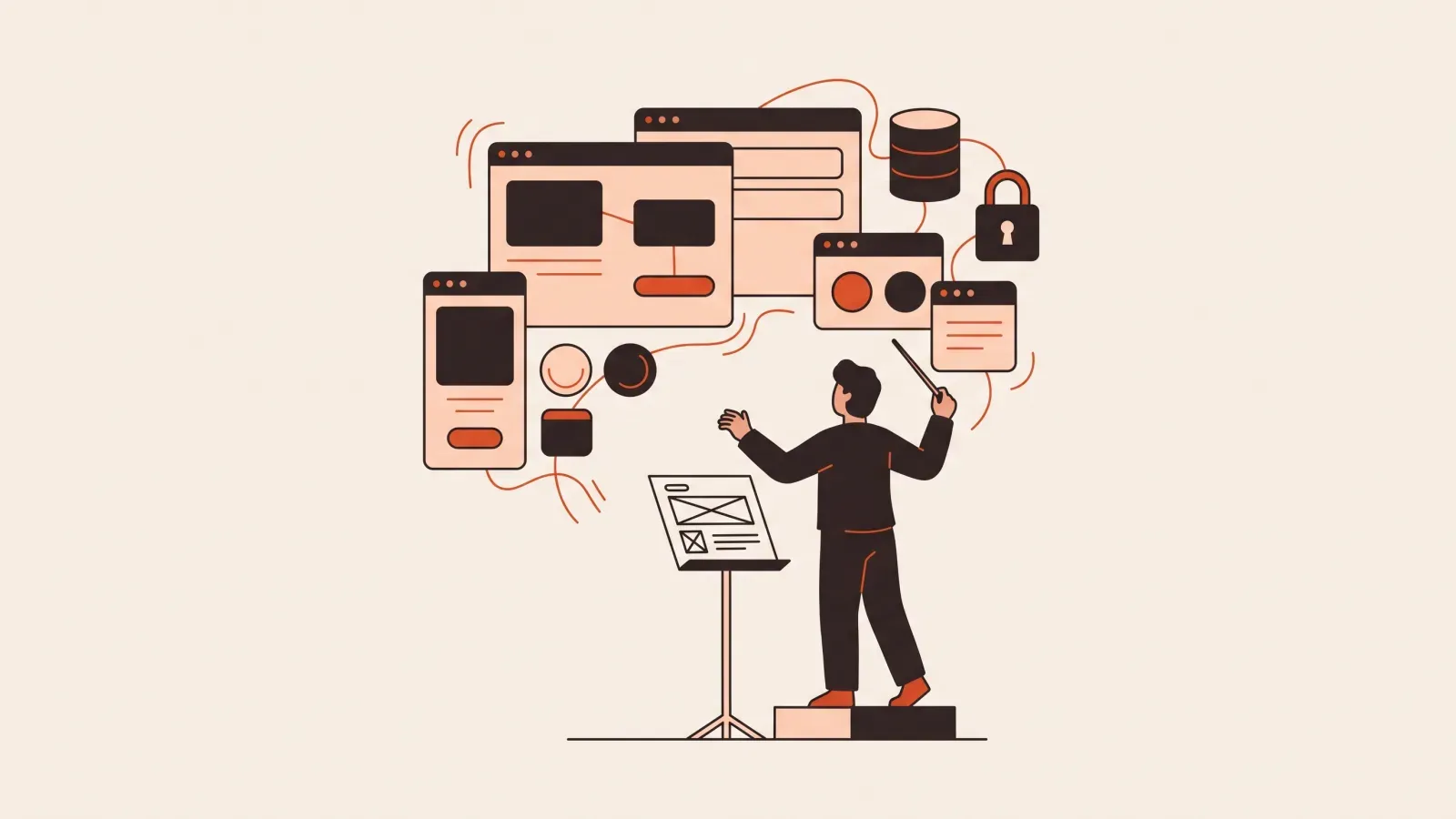
Learn five concepts before adding more features
| Concept | Plain-language meaning | A question to ask your agent |
|---|---|---|
| Frontend | What the browser displays and lets you interact with | Which file controls this screen? |
| Backend | Logic running outside the visitor’s browser | Which actions need a server, and why? |
| Storage | Where information survives beyond the current screen | What happens after refresh or on another device? |
| Authentication | How the app recognizes an account | How does the request know who is signed in? |
| Authorization | What that account is allowed to do | Can this user access someone else’s record? |
MDN’s first website lessons provide a basic starting point for browser concepts. You do not need to memorize every term; you should know which question to ask when a feature crosses a new boundary.
A first project with a clear finish line
Try a reading list with add, mark-finished and remove actions. For the first version, keep data in the same browser and say that explicitly. Avoid login, paid memberships and external APIs until the basic action works.
Write three checks before the first prompt: a valid title appears, an empty title is rejected, and refresh preserves the intended state. That is more useful than asking for a “beautiful, fully functional app” without defining the function.
Use the one-feature brief and small web-app walkthrough to turn this into a concrete exercise.
Follow a repeatable session
- Read your last checkpoint note and choose one change.
- Ask the agent to explain its plan and the files affected.
- Make the change and inspect the diff.
- Run the existing checks and test the visible behavior.
- Save the working result and record the next step.
A diff is a view of what changed. A commit is a named point in version history. GitHub’s Hello World tutorial lets you practice these ideas through its interface. You can also use our GitHub beginner lessons.
What to do when you do not understand the code
Ask for an explanation tied to one concrete action: “When I click Save, which function runs and where does the record go?” Follow the named files and compare the explanation with the browser behavior.
If the agent cannot explain why it is changing an unrelated feature, pause that change. If a failure appears, copy the relevant error and reproduction steps into the bug-report template. You do not need to decode every stack-frame detail to provide useful evidence.
Recognize when the project needs more review
Private records, payments, administrator actions and irreversible data changes increase the consequences of mistakes. A successful preview is not sufficient evidence for these features. Use sample accounts, test denied access and get qualified help when you cannot verify an important boundary yourself.
For example, hiding an admin button does not stop someone from calling an unprotected API. The permission decision has to exist where the data or action is actually controlled. If you use Supabase, its Row Level Security documentation is one concrete place to learn that boundary.
Choose learning by the feedback you need
A guided project helps you see the whole sequence. Short exercises help you practice individual decisions. Reference documentation helps when a tool’s behavior differs from a tutorial. You can combine them around one project instead of collecting unrelated courses.
Try our free sample, explore 36 free lessons with an account, or compare six beginner learning options. Use milestones rather than a guaranteed deadline to decide what to learn next.
Sources checked 2026-10-03
-
Bolt introduction — checked 2026-10-03.
-
Cursor quickstart — checked 2026-10-03.
-
MDN website security — checked 2026-10-03.
-
first website lessons — checked 2026-10-03.
-
Hello World tutorial — checked 2026-10-03.
-
Row Level Security documentation — checked 2026-10-03.
#vibe coding#non-coders#beginners#ai tools