A 14-Day Plan for Your First AI App: Tasks and Checks
A flexible day-by-day plan for a small AI-built app, with acceptance checks, scope limits and explicit reasons to extend the schedule.
By VibeGym Team · · Updated
Treat fourteen days as a project schedule, not a guarantee
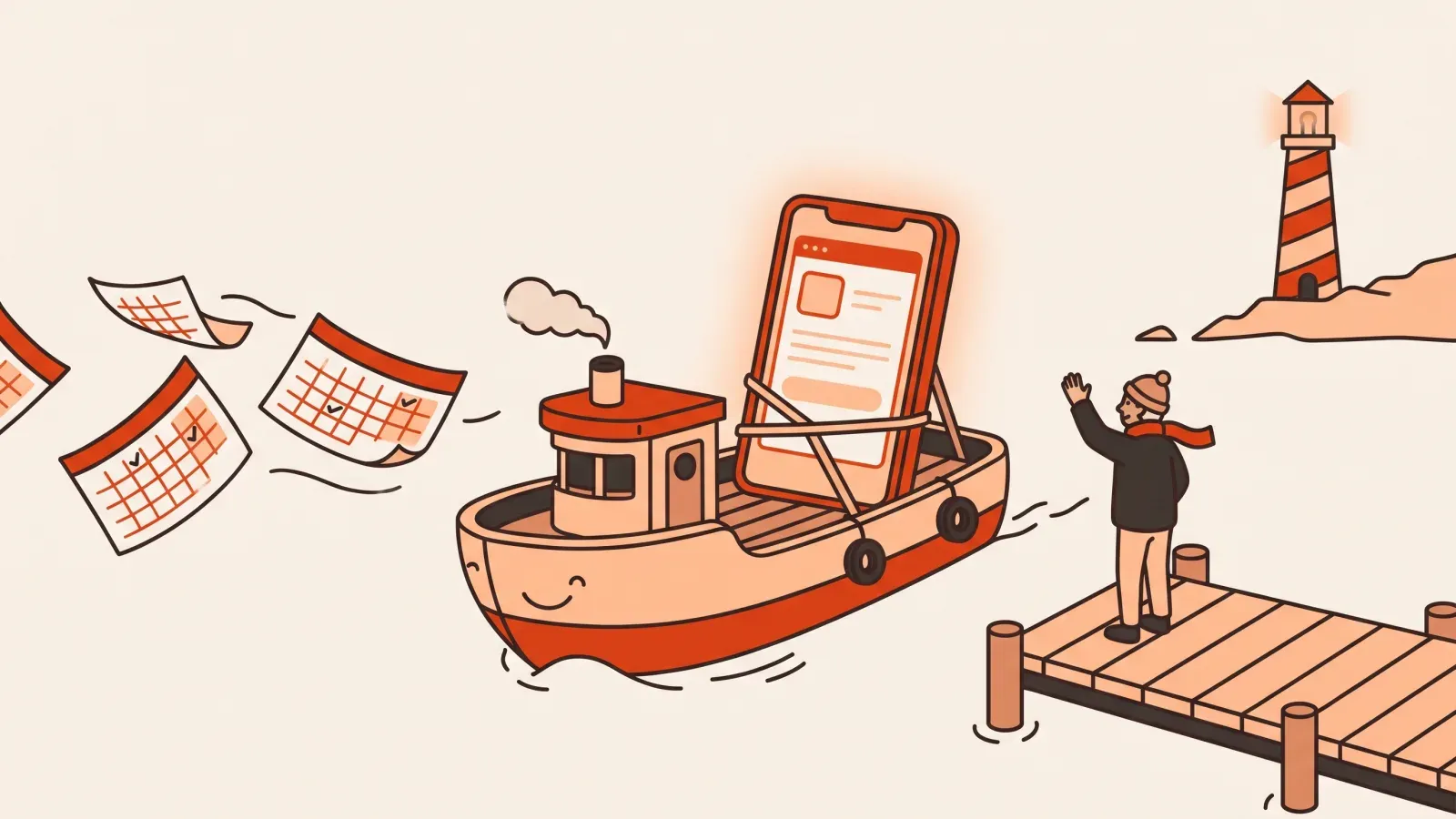
This optional planning window is for a small first app with one main action. VibeGym’s separate Ship Challenge has 28 days. It is a suggested sequence, not measured evidence that most beginners ship in two weeks. If a check fails, extend the schedule or reduce the scope instead of hiding the failure.
A good practice project is a reading list, a simple personal tracker or a public event page. A marketplace with payments and several user roles is a different assignment. Start with the scope guide if your idea still has several core features.
Days 1–2: write the brief and set up a checkpoint
Choose one user, one problem and one result. Write three acceptance checks and a not-now list. For a reading list, a useful result is: add a title, mark it finished and preserve that state after refresh in the same browser.
Open your development tool and a practice repository. Make sure you understand how to run the preview and restore a working version. GitHub’s Hello World tutorial explains the basic branch, commit and pull-request workflow.
Exit condition: you can show the brief, start the project and identify your baseline checkpoint.
Days 3–4: build the smallest working flow
Ask the agent for a plan, then implement only the first action. Use sample data. Check the visible result before requesting a new feature. If setup consumes both days, keep the next step small; do not compensate by asking for the whole app at once.
Exit condition: one main action works in the preview, and you can describe what changed.
Days 5–6: make data behavior explicit
Decide whether data resets, stays in the browser or lives in a backend. Check refresh behavior. Add empty-input and empty-list states. If the design needs a backend, write down how identity and record ownership will work before adding real user data.
Exit condition: the app’s storage behavior matches the brief, including the empty state. See the web-app walkthrough for a test matrix.
Days 7–8: practice diagnosis and protect working behavior
When a failure appears, collect the reproduction, first relevant error and last diff. Ask for one testable repair. If nothing has failed yet, review a small change in a separate branch and practice returning to the baseline.
Do not break a live service as an exercise. Use a disposable copy with sample data. The free debugging scenario is an alternative when you do not yet have a suitable project.
Exit condition: you can reproduce a problem or explain a reviewed change, then show evidence that the intended behavior works.
Days 9–10: check usability and boundaries
Try the app at a narrow width. Use the keyboard. Enter invalid input and repeat an action. If accounts exist, use two sample accounts to check that private records stay private. Do not treat a hidden interface element as proof of a backend permission rule.
Exit condition: the main action, failure states and relevant access checks are recorded in your review checklist.
Days 11–12: publish a small release
Follow your host’s current instructions and check the deployed URL in a fresh session. Confirm that assets load, the main interaction works and persistence behaves as expected. Keep a rollback path and a note of the exact version you published.
A custom domain is optional for a first learning release. If you use one, follow the provider’s DNS instructions rather than copying settings from another platform.
Exit condition: the public version passes the important acceptance checks, or you have restored the working version and recorded what failed.
Days 13–14: get a real observation and decide what is next
Ask someone to complete the main action without coaching them through every step. Record where they hesitate or misunderstand. Fix the most concrete problem before adding another major feature.
Write a short project note: what it does, where data lives, what you checked, what remains uncertain and the next small improvement. That note is a more useful learning artifact than a claim that the app is production-ready in every respect.
If you are behind the schedule
Keep the acceptance checks and remove optional scope. A finished public page can be a better first result than a half-working account system. If you need more foundations, use the free lesson catalog. If you need a different teaching format, compare the beginner courses.
For a broader planning model, read how long it takes to learn vibe coding. The schedule is successful when it creates checked progress, even when your calendar is longer than fourteen days.
Sources checked 2026-10-03
-
Lovable publishing — checked 2026-10-03.
-
Lovable security overview — checked 2026-10-03.
-
GitHub pull request reviews — checked 2026-10-03.
-
Hello World tutorial — checked 2026-10-03.
#beginners#shipping#ai tools#planning