Skip to content
Basics 9 min read

How to Learn to Build Apps with AI: A Beginner Roadmap

A realistic week-by-week roadmap to learn to build apps with AI, even if you have never coded. Start small, build daily, and ship something real.

By VibeGym Team ·

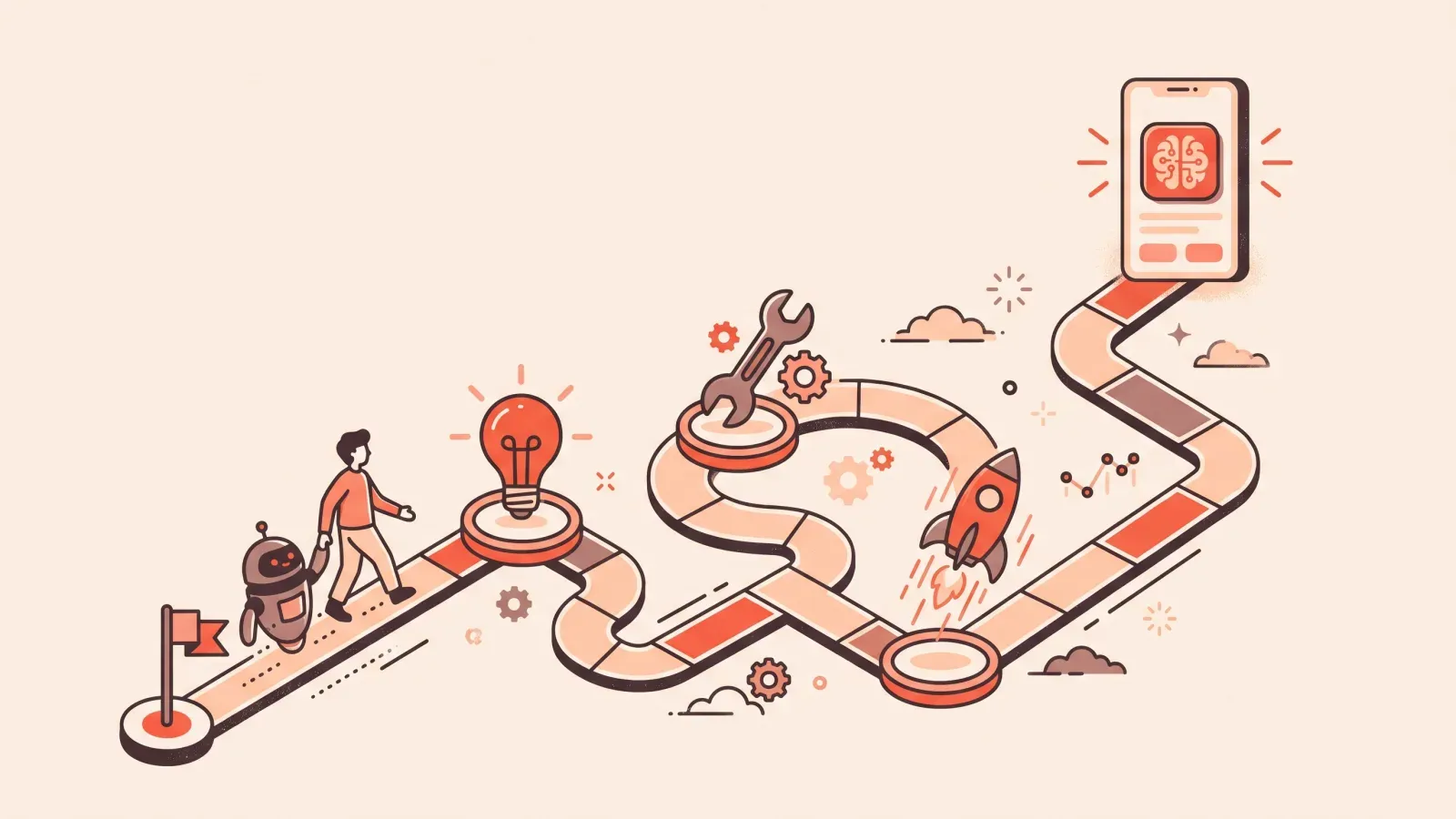
Illustration of a person and a robot companion walking a board-game-style roadmap toward a glowing finished app

Where to start when you want to learn to build apps with AI

If you want to learn to build apps with AI but you have never written a line of code, the hardest part is usually figuring out where to start. There are dozens of tools, endless tutorials, and a lot of noise. This roadmap cuts through that. It gives you a realistic, week-by-week path from total beginner to someone who can describe an idea, direct an AI tool to build it, and put a working product online.

A quick promise about expectations: this is not a “learn everything in a weekend” plan. The people who actually get good at building apps with AI are the ones who do small reps often, not the ones who binge a 10-hour course once and never open the editor again. Fifteen focused minutes a day beats a heroic Saturday marathon, because the skills you are building are habits, not facts to memorize.

If you want the plain-English background on what this even is, read what vibe coding is first. Then come back here for the plan.

What you are actually learning (it is not typing code)

Here is the mindset shift that makes everything click. When you build apps with AI, the AI does the typing. Your job is to do the thinking around it:

  • Scoping — turning a fuzzy idea into a clear, small spec the AI can act on.
  • Prompting — describing what you want in a way that gets a useful result.
  • Verifying — checking whether what came back actually works and matches what you asked for.
  • Debugging — staying calm and methodical when something breaks (and it will).

Tutorials show you someone else doing this. The only way to get good is to do it yourself, badly at first, then a little better each day. That is the whole game.

The roadmap: six weeks of small daily reps

Treat each week as a theme. Aim for one short session most days. If you miss a day, just pick up the next one — a streak is a tool, not a moral test.

Week 1: Foundations and your first static page

Goal: get comfortable opening an AI builder and making something appear on screen.

A “static” page is one that just shows information — text, images, links — with no logins or saved data. It is the gentlest possible start.

  • Pick one AI builder and make a single page: a personal intro, a simple landing page, or a list of your favorite things.
  • Learn the basic loop: type a request, look at the result, ask for one change, look again.
  • Do not chase perfection. The win this week is “I made the computer show what I asked for.”

The point of week one is to remove the fear of the blank screen, not to make something impressive. A rough page you actually finished beats a beautiful one you only imagined.

Week 2: Prompting like a director

Goal: get better results by asking better.

Vague prompts get vague apps. This week, practice being specific. Instead of “make it look nice,” try “use a dark background, large headline, and a single button that says Join the waitlist.”

  • Describe the who and the why, not just the what: “a booking page for a dog groomer whose clients are not techy.”
  • Give one instruction at a time when you can. A long wish list in one message often produces a muddle.
  • When a result is wrong, say what is wrong and what you want instead, rather than starting over.

Prompting is the skill that pays off across every tool, so it is worth real attention. How to prompt AI to build an app is a deeper drill on this.

Week 3: Adding data and logins

Goal: move from a brochure to an actual app.

This is where it starts to feel real. A “database” is just organized storage — a place your app remembers things, like a spreadsheet it can read and write. “Auth” (short for authentication) is the login system that knows who a user is.

  • Add a form that saves what someone types — a contact form or a simple sign-up.
  • Add a basic login so the app can tell users apart.
  • Accept that this week is slower. Saved data and logins are where beginners hit their first real walls, and that is completely normal.

Expect to get stuck here, and expect that to be fine. Every builder hits this wall; the trick is to shrink the task (“just save one field first”) instead of trying to wire up everything at once.

Week 4: Debugging without panic

Goal: build the single most valuable habit in the whole roadmap.

Every builder, beginner or expert, deals with broken code. The difference is the experienced ones do not panic. They follow a calm loop:

  1. Read the error. It is usually a clue, not an insult.
  2. Change one thing. Then check whether anything moved.
  3. Tell the AI exactly what you see. Paste the error message and describe what you expected versus what happened.
  4. Undo if needed. It is fine to step back to the last version that worked.

The infamous blank page — where the preview loads to nothing at all — is a great practice case, because it forces you to slow down and read what the tool is telling you. For the general method, how to debug AI-generated code is your reference.

Week 5: Shipping and going live

Goal: put something real on the internet that other people can open.

“Shipping” just means publishing — moving your app from a preview only you can see to a live link anyone can visit. A “custom domain” is your own web address instead of a random one the tool gives you.

  • Publish your Week 3 app, even if it is small and imperfect. A live, imperfect app teaches you more than a perfect one stuck in preview.
  • Send the link to one friend and watch what they do. Real users find issues you never imagined.
  • Do not wait until it feels ready. Ready is a feeling that arrives after you ship, not before.

Week 6: Pick a real project and ship it

Goal: stop practicing in the abstract and build something you actually want.

  • Choose a small, useful idea: a booking page, a habit tracker, an internal tool that saves you an hour a week.
  • Scope it down hard. Cut every feature that is not essential to version one.
  • Use everything from weeks one through five to take it live.

By now you have run the full loop several times. The project that felt impossible in week one is just the same moves strung together, applied to something you care about.

Key takeaways

  • The skill is scoping, prompting, verifying, and debugging — not typing code.
  • Small daily reps beat weekend marathons, because you are building habits.
  • Start static, then add data and logins, then learn to debug, then ship.
  • A live, imperfect app teaches more than a flawless one nobody can open.
  • The tool matters less than the instincts; the instincts transfer everywhere.

Frequently asked questions

Do I need to learn to read code first? No. You need to learn to read results — does this work, does it match what I asked, what broke. Reading code helps over time, but it is not the entry ticket. You can start directing AI tools today.

Which tool should I learn? Whichever one you will actually open daily. Claude, Cursor, Lovable, and Bolt are all reasonable starting points, and the core skills move with you between them. If you want an honest comparison, see the best AI coding tools for beginners. The right answer is the tool that keeps you building, not the “best” one on paper.

How long until I can build something useful? Following this kind of small-reps plan, many people make a live static site within a couple of weeks and a simple data-backed app not long after. Your mileage depends on how consistently you show up, which is exactly why daily practice matters more than raw hours.

How VibeGym structures this exact path

Everything above is doable on your own with enough discipline. The catch is that “enough discipline” is the hard part, and a pile of open tutorials is easy to abandon.

VibeGym turns this roadmap into a structured habit. It is a learn-by-doing platform — think Duolingo, but for building apps — that trains your builder instincts through short daily drills of about five to fifteen minutes. There is a clear path so you always know the next step, spaced repetition so lessons stick, and a daily streak so you keep showing up. The skill modules line up with this plan: Foundations, Prompting, Debugging, and Security.

You practice with the same tools you would use anyway — Claude, Cursor, Lovable, Bolt — and the skills transfer across all of them. By the end of the core track you can build real websites with custom domains, web apps with forms and logins and a database, and small internal tools that automate work. Everything you make is deployed and shareable, not a sandbox toy. There is a 28-day Ship Challenge, and the program is designed so most people ship their first website within the first two weeks.

A two-minute quiz personalizes your plan, and you see the exact plan and price right after. The free plan gives you the first modules and daily drills forever; paid unlocks the full curriculum, unlimited practice, and project reviews. You can cancel anytime in one click, your progress is never deleted, and there is a 14-day money-back guarantee on your first payment.

The honest reason to use it: a tutorial shows you someone else building. VibeGym makes you build, a little every day, until directing AI to ship real apps stops feeling like a mystery and starts feeling like a habit.

#beginners#ai app building#roadmap#vibe coding